How MetCon Planner Works: Your First Month of Consistent Training
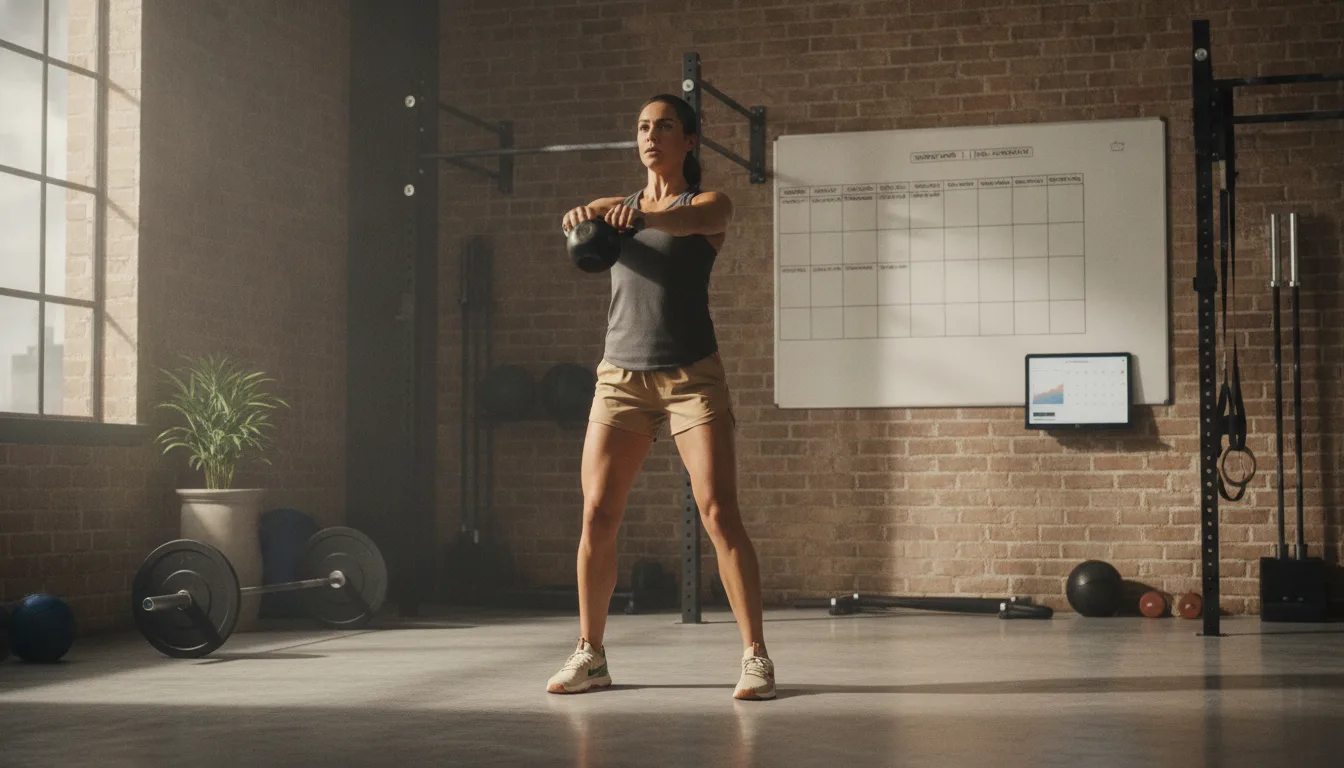
See how MetCon Planner turns one setup session into a month of generated workouts, logged results, progressive training, and better next-session context.
Most workout apps help you record what happened. MetCon Planner is designed to help with the whole loop: choose the kind of session you need, generate a workout that fits your equipment and time, complete it, record what actually happened, and use that history to make the next session more useful.
This is what the experience looks like over a month of consistent use.
Before the first workout: set your training context
You begin by giving the planner the information that changes the workout it should create:
the equipment you can use;
the time available for the session;
your training focus;
your experience level;
and your preferred measurement system.
That context keeps a short home session from turning into a full gym program, and it keeps a strength-focused day from being treated like an all-out conditioning test. You can adjust those choices when your circumstances change instead of starting with a fixed plan that no longer fits.
Day 1: generate a workout you can actually complete
When you generate a workout, the AI builds the session around your selected constraints. Depending on the goal, the result can include a warm-up, strength or skill work, a MetCon, accessory work, and a cool-down. The workout is organized into sections so you can see the purpose and time of each block before you start.
Read the session before saving it. Check that the movements match your equipment, the loading guidance makes sense for your current ability, and the intended stimulus matches what you want from the day. Scaling is part of good training, not a failure of the plan.
Once it looks right, save the workout. Saving gives you a record to return to, complete, and build on later.
Week 1: create a useful baseline
The first week is less about proving your maximum and more about creating reliable information. Complete the sessions you planned and record the work you actually performed.
For trackable strength work, you can enter weight and reps for each set. For distance-based movements, the tracker uses distance instead of pretending that meters are reps. Rowing and bike work can also include per-set time. When a movement has a recommended or previous-session load, that value stays a suggestion until you confirm it by entering a value or using the adjustment control.
If several sets use the same load and reps, finish the first set and use the Copy control to carry those results into the next set. You can still edit every copied value before saving it.
The goal of week 1 is a truthful baseline: what you lifted, how many reps you completed, how far you went, and how long the work took.
Between sessions: your results become training context
When a familiar movement returns, MetCon Planner can use your previous logged work instead of treating the exercise as completely new. Equivalent naming variations are matched as the same exercise when they represent the same movement, while important distinctions such as different equipment or technique remain separate.
That history can support:
previous-session suggestions;
estimated one-rep-max tracking for appropriate rep-based sets;
progressive load or rep recommendations;
and longer-term progress views.
History is context, not an order. If you are tired, returning from a break, or working with different equipment, choose a safe scale and record what you actually did.
Week 2: train with progression instead of starting over
By the second week, the app has more than your preferences. It has evidence from your own sessions. When the same movement is appropriate again, the next workout can use that recent work as a starting point for progression rather than swapping exercises simply to make the workout look different.
Progress may mean a modest increase in load, an additional rep, more consistent completion, or better pacing. It does not mean forcing a heavier number when your recovery or technique says otherwise. The useful comparison is between the work you completed last time and the work you can perform well today.
Week 3: adjust the plan to real life
A consistent month is not four identical weeks. Travel, sleep, soreness, schedule changes, and available equipment all affect the session you should do. Generate a different focus when you need one, reduce the time when your day is busy, or scale the workout while keeping its intended stimulus.
The important part is to keep logging. A lighter session is still useful data. It tells the next workout what your current reality looked like instead of leaving a gap that the planner has to guess through.
Week 4: review the month and decide what comes next
At the end of the month, review the work you recorded rather than relying on memory. Look for movements that are becoming more consistent, loads or reps that are trending upward, conditioning work that is better paced, and sessions that repeatedly need scaling.
Use those observations to choose the next month’s focus. You might keep building a strength pattern, spend more time on conditioning, improve a movement skill, or change the balance between training stress and recovery. The next workout should start with the history you created, not with a blank page.
The complete monthly loop
Set your context: equipment, time, focus, level, and units.
Generate and review: check the workout structure, movements, stimulus, and scaling.
Save the session: keep the workout available for completion and future reference.
Log the result: record weight, reps, distance, time, and completion honestly.
Use your history: let previous work inform suggestions and progress.
Adjust for real life: scale the session without losing its purpose.
Review and repeat: use the month’s evidence to make the next month more deliberate.
What MetCon Planner is—and is not
MetCon Planner is a planning and tracking tool for self-coached athletes. Its generated workouts are starting points that you should review and scale. The app can organize your training context, surface your history, and help you compare sessions, but it cannot assess an injury, replace qualified coaching, or override your judgment about safety.
The value compounds when you use the full loop. One generated workout is convenient. A month of generated, completed, and logged sessions gives you a clearer picture of how you train and a better starting point for what comes next.
Start with a free workout, then use the tracker to turn the session into useful training history.